I never thought of posting this in public. Being a dedicated developer I am big fan of some of the websites like Google , Stack Over Flow etc 🙂 and indeed they are major supporting pillars for most of the developers in the world.
As a security Researcher and a responsible netizen I felt it was my duty to report any defect I found in their system to them first. I reported to them this too.
Google, the search engine Giant and now provider of one of the most affordable cloud services including enterprise applications childishly relies on local cookies only for AuthN. Yes it may sound silly but it is true. I have POC and I will provide that too in this post later part with step by step instructions to reproduce the same.
Let me start with the scenario,
Two people Mr. A and Mr. B work in same office , share same network. They are good friends. They both access their Google Accounts ( here you login in any google account , thats it you are logged into all Google products , thanks to SSO).
Mr. A has to go to Loo , Mr B needs some document to review from Mr A. Mr. B got a chance to access Mr. A’ computer for few minutes while Mr. A is away.
Mr. B opened a chrome browser and saw it is showing logged in as Mr. A
Evil appeared in Mr. B’s brain.
Mr. B quickly copied the cookies from Mr. A’s browser and sent to himself in email.
Then Mr. B deleted it from sent email. So no trace 🙂
Mr. B now came back to his own computer, opened the email and the cookies he sent from Mr. A ‘s machine is now in his hand.
Mr. B imported the cookies in his own browser and refreshed the browser.
VOILA!!!!!! It is now showing logged in as Mr. A
Mr. B opened Google Plus, Wow!!!! It took him in as Mr. A.
Now lets take a look at the steps in action and see how easy it is
Step 1
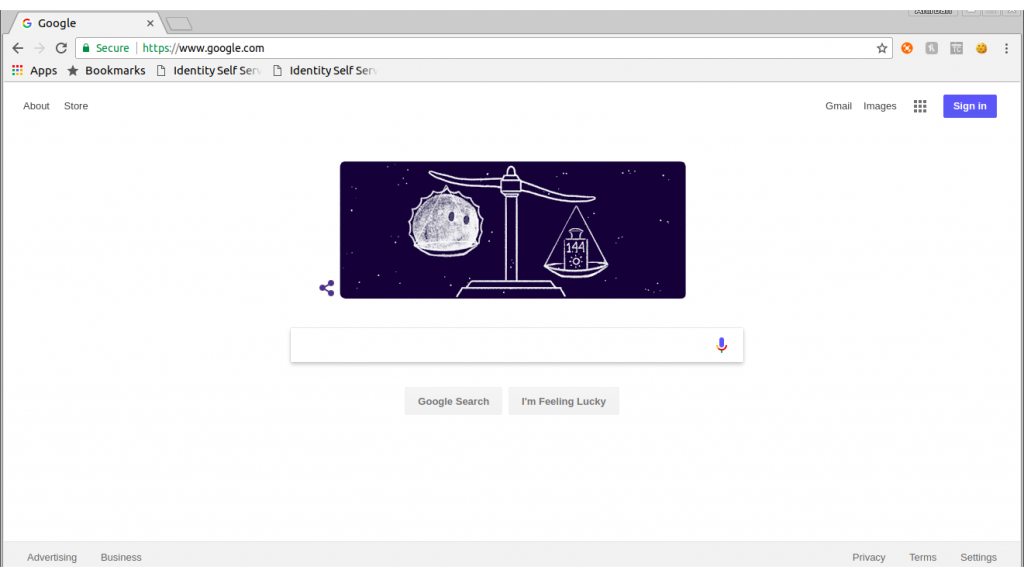
Mr. A’s Google chrome with Mr. A’s google account logged in

Step 2
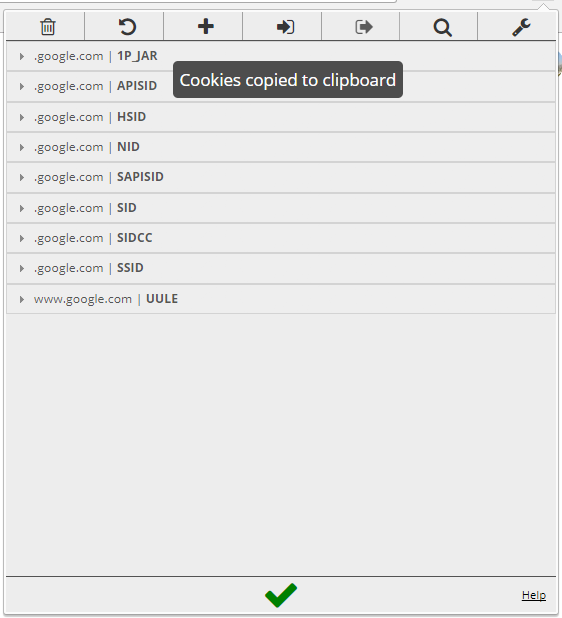
Lets see what are the cookies on Mr. A’s browser

Step 3
Mr. B is exporting all the cookies
Step 4
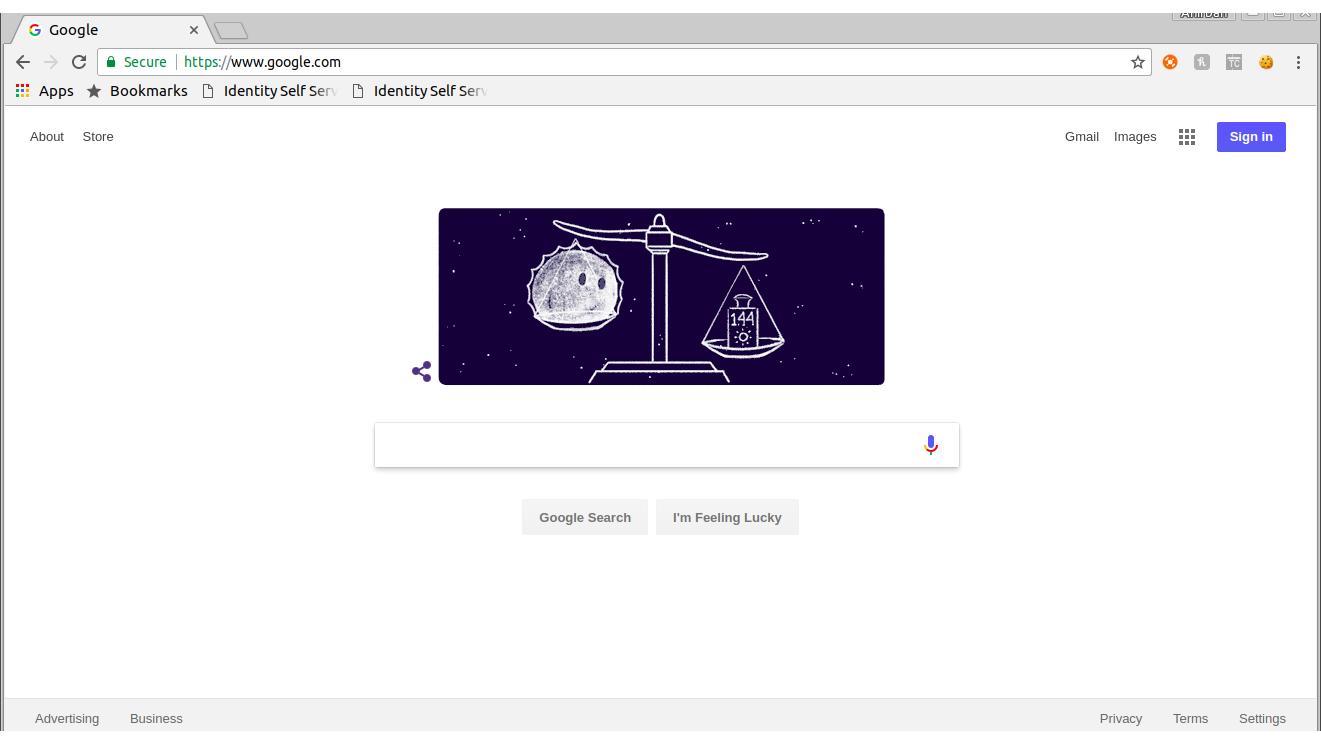
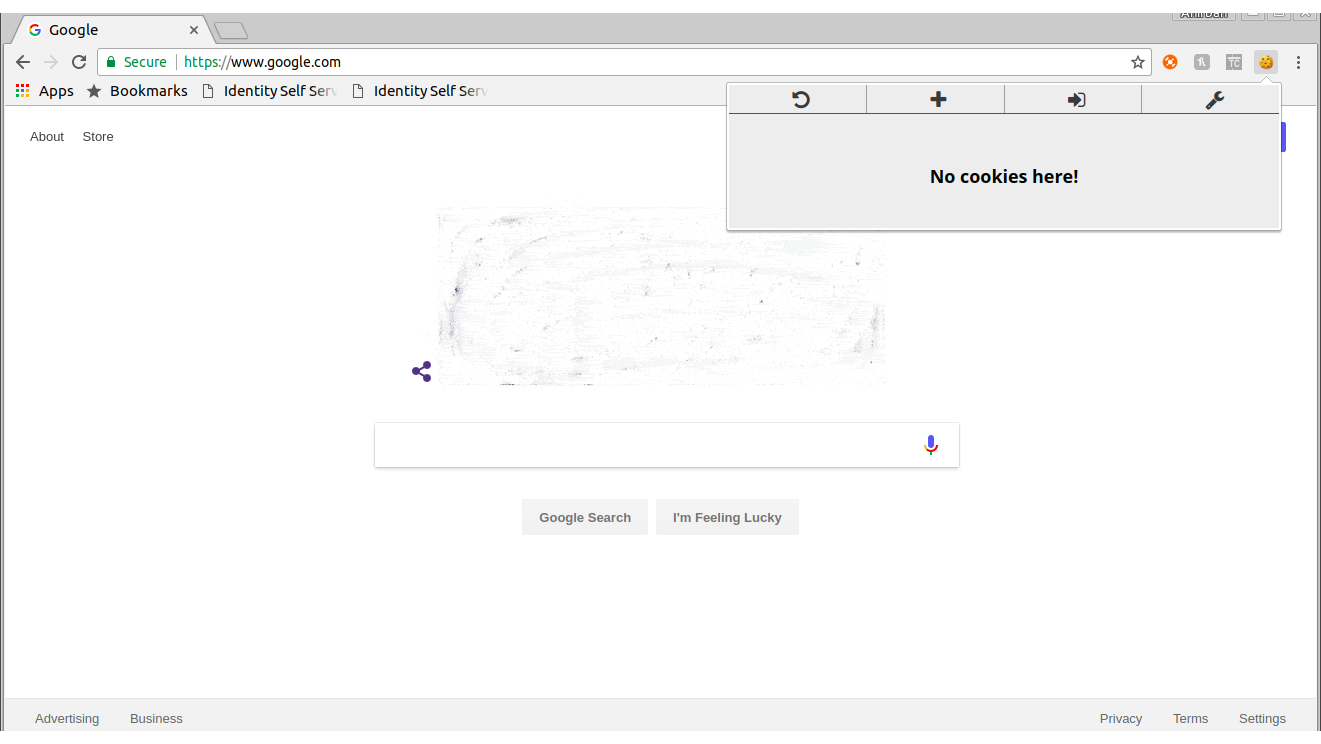
Mr. B’s browser , not logged in into google account
Mr. B’s machine no cookies are there
Step 5
Mr. B is now importing the cookies exported from Mr. A’s machine

Import is completed

Step 6
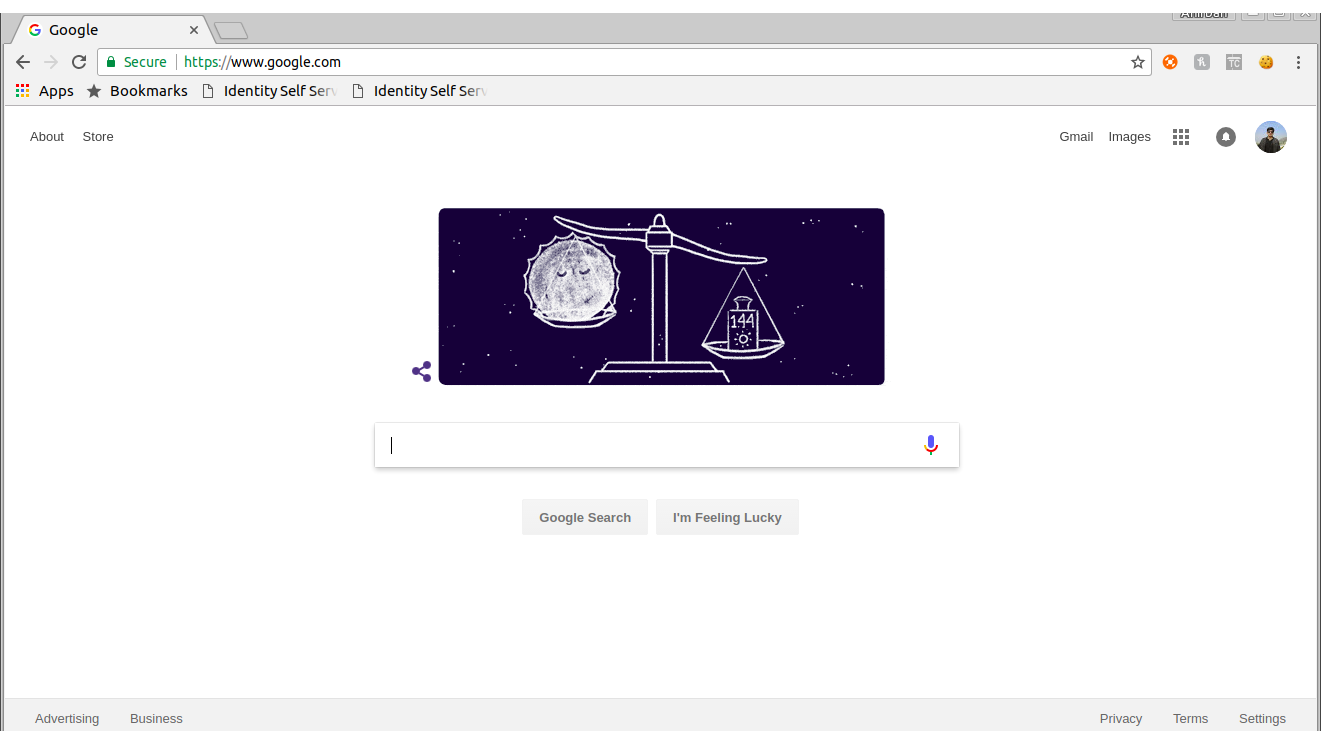
Now Mr. B refreshed his own browser and it is now logged in as Mr. A
Step 7
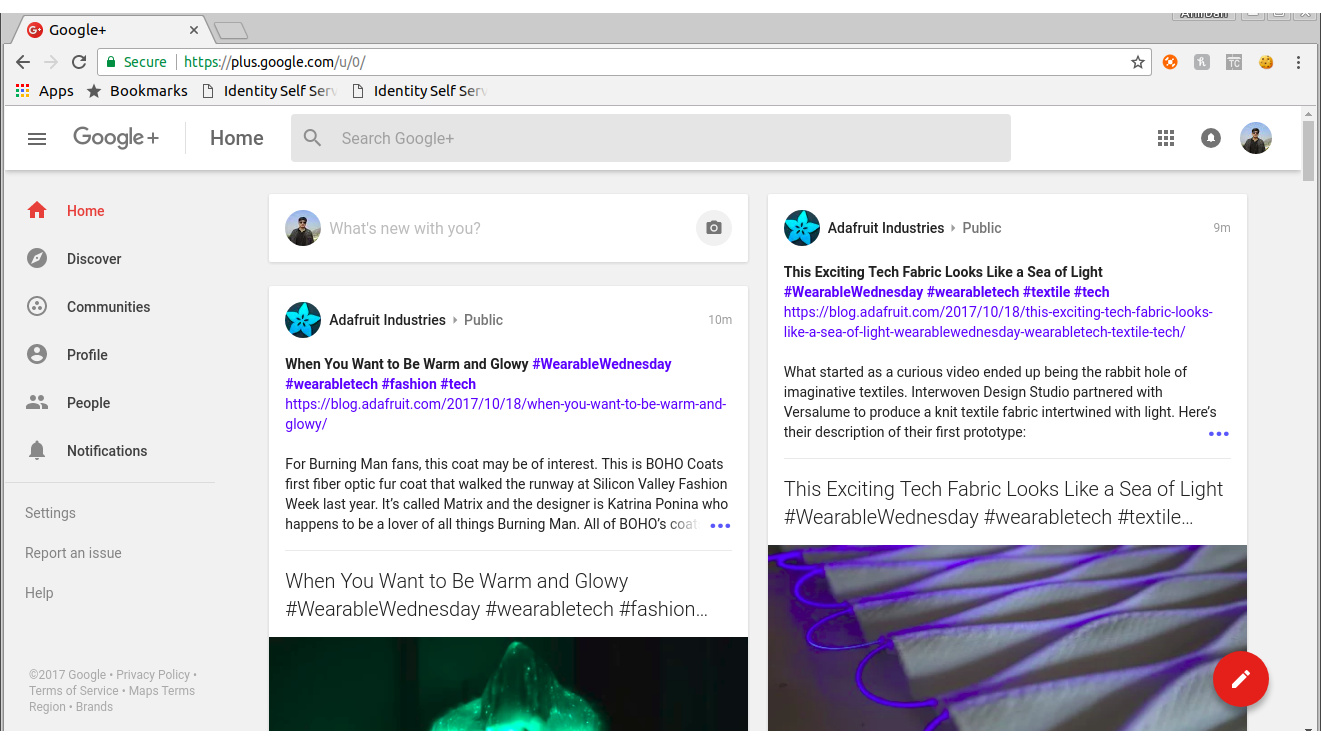
Mr. B tries to access some other Google App like “Google Plus” and it logged him in as Mr. A
BINGO!!!!!!
We all now know why is this happening and how can this be prevented. The same issue was reported to Facebook.com and they fixed it acknowledging the issue.
The same will not work when the IP will be different , that will trigger 2FA. But that doesn’t stop the issue.
I reported the same to Google and I was thrilled when I got back an answer from them and surprisingly the answer was “this is an intended behavior and hence they won’t fix it”
The same issue is present in Google enterprise apps as well. The Search engine Giant cannot fix it I got it 🙂 Making something great is good but to be able to change that for fixing critical thing needs brain to understand and analyze your own code 🙂
I will be staying far away from any paid services to Google and also will suggest companies to not go for its Enterprise Apps.


One thought on “Scary Google Cookies – Be Aware”